
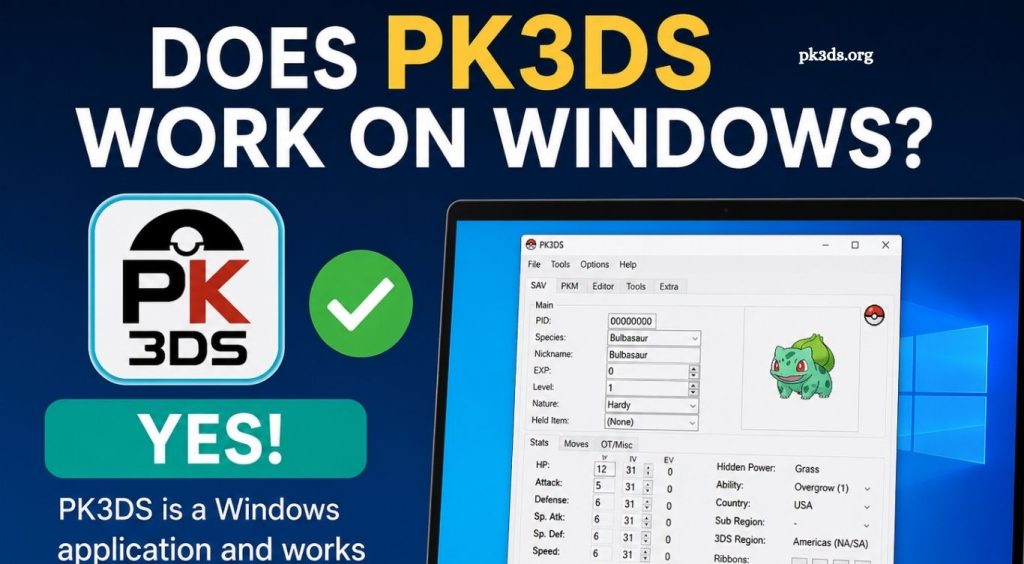
PK3DS is a popular ROM editing tool designed for modifying certain Nintendo 3DS Pokémon games. Many users interested in game customization often ask, “Does PK3DS work on Windows?” The simple answer is yes. PK3DS works on Windows and provides several useful features for compatible game editing.
Windows remains the primary platform for running PK3DS because the software depends on Microsoft technologies and a compatible .NET environment. With proper files and system requirements, users can launch PK3DS and access its editing functions without complex configuration.
Does PK3DS Support Windows?
Yes, PK3DS supports Windows operating systems. The software was developed with Windows compatibility in mind and usually performs best on modern Windows versions. Windows 10 and Windows 11 users can generally run PK3DS when required software components are installed.
Read More: Can PK3DS edit Pokémon Ultra Sun and Ultra Moon?
Older Windows versions may also support PK3DS, but compatibility problems can appear due to outdated system libraries or missing framework components. Using an updated Windows system helps reduce launch errors and improves overall software stability.
How Does PK3DS Work on Windows?
PK3DS works by reading extracted game data from compatible Nintendo 3DS Pokémon titles. After loading valid game files, the program displays editing tools that allow users to modify supported game elements.
The Windows interface makes navigation relatively simple. Users can open different editing sections, adjust supported data, and save changes to the extracted game files. PK3DS does not work like a standard game launcher or emulator. Its primary purpose involves editing game data rather than directly running Nintendo 3DS games.
PK3DS Windows System Requirements
PK3DS does not usually require powerful computer hardware. A standard Windows computer with sufficient storage and updated system components can handle the application. Performance mainly depends on system stability and correct software configuration.
A compatible .NET environment is important because PK3DS relies on Microsoft framework technologies. Missing or outdated components may cause the application to close unexpectedly or fail during startup. Keeping Windows updated can help prevent common compatibility problems.
Does PK3DS Work on Windows 10?
PK3DS can work on Windows 10. Many users choose Windows 10 because of its broad compatibility with desktop applications and development frameworks. When the correct PK3DS version and required system components are available, the software can operate normally.
Users experiencing errors should check Windows updates, application files, and framework requirements. Running the software from a properly extracted folder may also prevent file access problems.
Does PK3DS Work on Windows 11?
PK3DS can also run on Windows 11. Microsoft’s newer operating system supports many applications originally designed for previous Windows releases. PK3DS generally benefits from this backward compatibility.
Some users may encounter permission or security warnings when opening downloaded applications. These warnings do not automatically indicate a PK3DS compatibility problem. Users should obtain software from trusted sources and verify files before opening them.
Why Is PK3DS Not Opening on Windows?
PK3DS may fail to open because of missing framework components, incomplete application files, corrupted downloads, or incompatible game data. Windows security settings can also prevent certain applications from launching correctly.
Extracting all program files before opening PK3DS is important. Running the application directly from a compressed archive may create errors. Users should also confirm that required system components are installed and updated.
Game files must follow the format expected by PK3DS. Incorrect folders or unsupported data can prevent editing features from loading, even when the PK3DS application itself works correctly.
Is PK3DS Safe for Windows?
PK3DS itself is commonly known as a game data editing utility. However, software safety depends heavily on the download source. Modified installers or unofficial packages may contain unwanted files.
Users should choose reputable project sources and scan downloaded files with updated security software. Avoiding unknown download websites can reduce potential security risks. Creating backups of important game data before making modifications is also a sensible practice.
Can PK3DS Run on Mac or Linux?
PK3DS primarily targets Windows. Running it on macOS or Linux may require compatibility tools, virtual machines, or alternative configurations. Results can vary depending on the operating system and software environment.
For users seeking straightforward PK3DS compatibility, Windows remains the most practical choice. Native Windows support offers easier setup and fewer compatibility challenges compared with other desktop platforms.
Conclusion
PK3DS works well on Windows and remains one of the most popular tools for editing compatible Nintendo 3DS Pokémon games. With the correct system requirements, updated Windows software, and properly extracted game files, users can enjoy a smooth editing experience. Downloading PK3DS from a trusted source and keeping backups of original files helps ensure safe and reliable game modifications.