
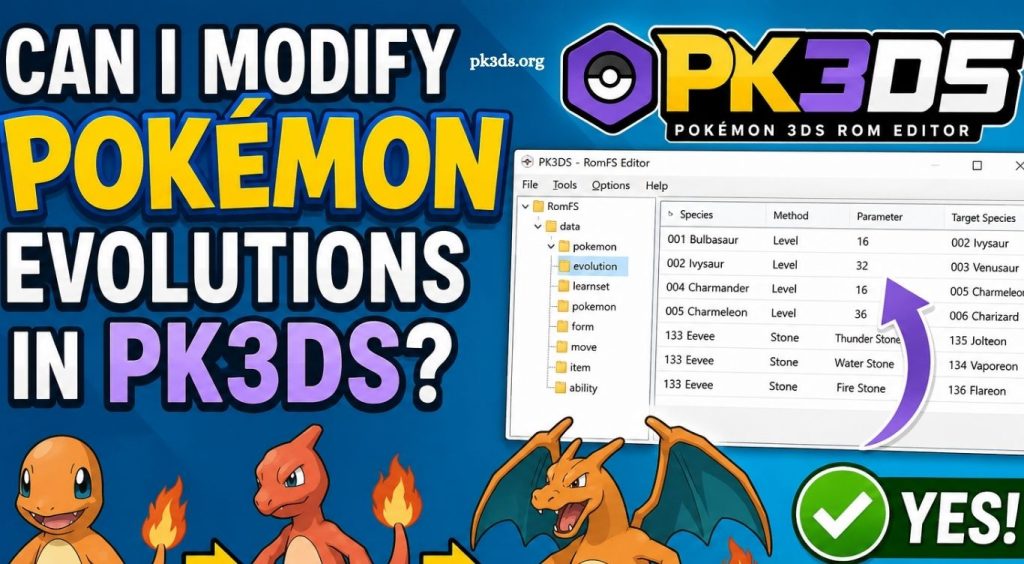
Pokémon Evolutions game customization gives players creative freedom to adjust gameplay mechanics and build unique experiences. PK3DS has become a popular editing tool for modifying various elements within supported Pokémon titles. Evolution mechanics remain a major area of interest, especially for users planning balanced progression, custom evolution methods, and smoother single-player gameplay.
Understanding PK3DS evolution editing features can help create a more refined and enjoyable Pokémon experience. Changing evolution methods can make gameplay more accessible, improve game balance, or support a custom Pokémon project. Understanding how PK3DS handles evolution data helps users make careful changes while reducing errors.
What Is PK3DS?
PK3DS is a ROM editing utility designed for certain Nintendo 3DS Pokémon titles. The software provides access to different game data, allowing experienced users to customize Pokémon stats, encounters, moves, trainers, and evolution settings.
Read More: Does PK3DS Work on Windows?
The program is commonly associated with personal game modification and ROM research. PK3DS does not function like a standard Pokémon save editor. Instead, it works with extracted game data, meaning users need compatible files before editing evolution information.
Can I Modify Pokémon Evolutions in PK3DS?
Yes, Pokémon evolution data can be modified through PK3DS when working with a supported game structure. The evolution editor gives users control over conditions that determine when and how a Pokémon evolves.
For example, an evolution that normally depends on trading may be changed to a level-based evolution. A Pokémon may also receive a different evolution requirement based on available game data and supported conditions.
This flexibility is especially useful for personal ROM projects where traditional evolution methods create gameplay limitations. Players developing a single-player experience often modify trade evolutions because trading may not fit their intended game design.
How Pokémon Evolution Editing Works in PK3DS
PK3DS reads evolution information stored inside extracted Pokémon game files. After compatible data loads correctly, users can access the relevant editor and review evolution settings connected to individual Pokémon species.
Evolution information generally contains the target Pokémon and the condition required to trigger transformation. Editing these values changes how the game interprets an evolution event.
Careful data selection remains important. Incorrect values or unsupported conditions may cause unexpected behavior. Creating a backup before making changes helps protect the original game data and makes restoration easier if a modification fails.
Changing Trade Evolutions With PK3DS
Trade evolutions can create problems in customized single-player Pokémon games. Certain Pokémon normally require trading, sometimes while holding a specific item, before evolution occurs.
PK3DS can be used to replace compatible trade-based requirements with alternative evolution conditions. Level-based evolution is a common choice because it creates a natural progression during regular gameplay.
The exact evolution method should match the design of the custom game. A balanced level requirement can preserve progression while removing unnecessary trading restrictions.
Can Evolution Levels Be Changed?
Evolution levels can also be adjusted through compatible PK3DS evolution data. A Pokémon that evolves at a high level may be configured to evolve earlier, while another species can receive a later evolution requirement.
Changing evolution levels can significantly affect game difficulty. Early access to powerful evolved Pokémon may reduce challenge, while extremely late evolution can make progression frustrating.
Good ROM design requires careful balance. Evolution changes should complement trainer strength, wild encounters, available moves, and overall game progression.
Can I Change a Pokémon’s Evolution Target?
PK3DS may allow users to edit the Pokémon species selected as an evolution target within supported game data. This means a Pokémon can potentially evolve into a different species than originally intended.
Such changes are useful for experimental ROM projects and custom gameplay concepts. However, unusual evolution paths can affect balance and player expectations. Testing remains essential after changing an evolution target.
The game should be checked during actual gameplay to confirm that the new evolution triggers correctly and produces the expected Pokémon.
Why Is PK3DS Evolution Editing Not Working?
Evolution editing problems often appear when PK3DS cannot read the extracted game data correctly. Unsupported game versions, incomplete files, or incorrect folder structures may prevent editors from loading as expected.
Problems can also occur after selecting invalid evolution conditions. A change may appear correct inside the editor but fail during gameplay if the required data does not work with the selected method.
Using compatible game data and testing each major change separately makes troubleshooting easier. Editing many evolution settings at once can make it difficult to identify the source of an error.
Is It Safe to Modify Pokémon Evolutions in PK3DS?
Modifying evolution data is generally manageable when users work with backups and understand the editing process. The biggest risk involves damaging or incorrectly configuring extracted game files.
Original data should always remain untouched in a separate location. A duplicate working folder provides a safer environment for experimentation.
Users should also respect copyright laws and platform rules. Customization should focus on legally obtained game data and personal projects rather than unauthorized distribution of copyrighted Pokémon game files.
Tips for Better Evolution Modifications
Successful evolution customization depends on planning and testing. Every modified evolution should fit naturally into the game’s progression system. Evolution timing, Pokémon strength, moves, and trainer difficulty should work together.
Testing changes in gameplay provides better results than relying only on editor values. An evolution setting may look reasonable in PK3DS but feel unbalanced during a real playthrough.
Small, controlled modifications make it easier to maintain stability and create a polished Pokémon experience.
Conclusion
PK3DS provides flexible options for customizing Pokémon evolution mechanics within supported game data. Evolution levels, trade requirements, conditions, and target species can be adjusted to create a personalized gameplay experience. Careful editing, proper backups, and regular testing help prevent errors and maintain game balance. With thoughtful modifications, PK3DS can support creative Pokémon projects while making progression smoother and more engaging.